20W or 65W? Choose a USB-C charger for your actual devices
Start with your devices, then match the charger, cable and ports. A larger wattage number alone does not tell you what will charge faster.
Begin with one charging job
Write down what you want to charge at the same time: one phone by the bed, a laptop at a desk, or a laptop and phone while travelling. This separates two decisions that often get mixed together: how much power one device needs, and how much power several devices need together.
If your current phone charger already meets the phone maker’s recommendation, a higher-wattage replacement may add no practical benefit. Replacing it can still make sense for another port, a smaller travel kit or a cable that reaches the outlet. Decide which inconvenience you are actually solving before choosing a product.
When a 20W adapter makes sense
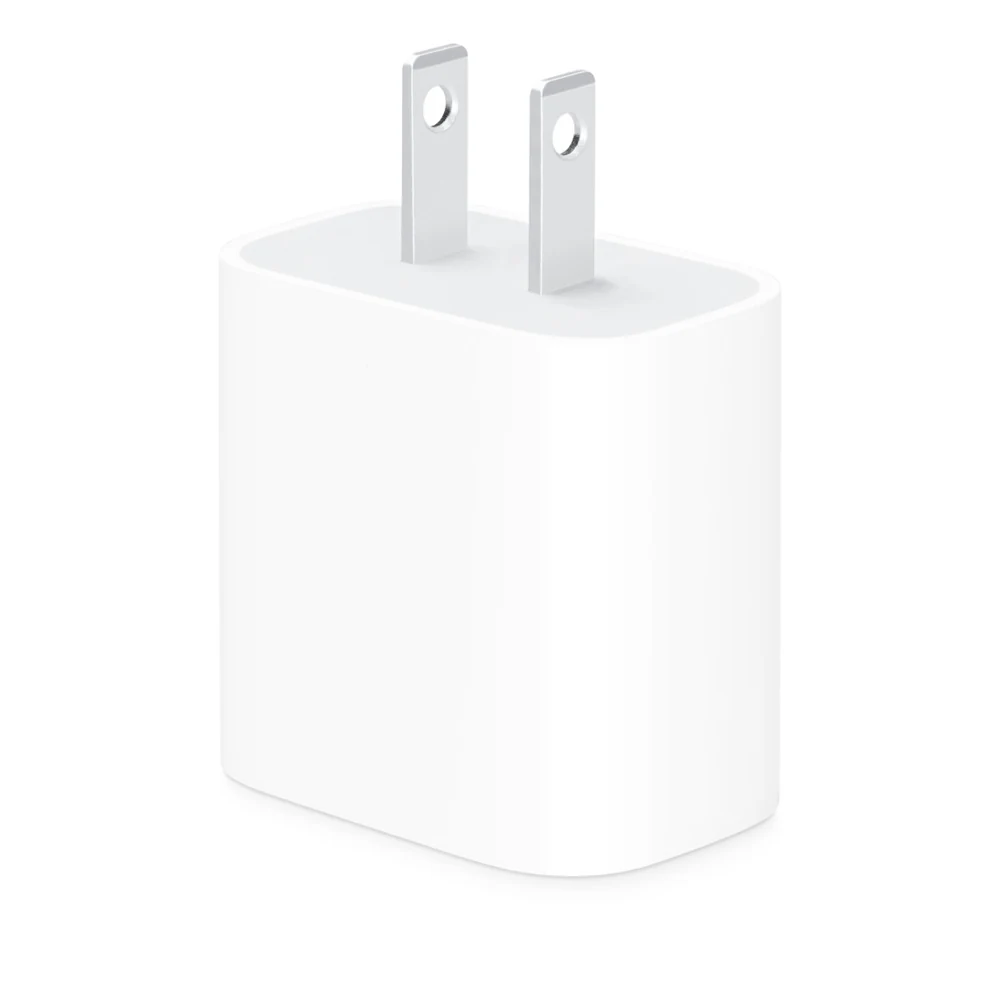
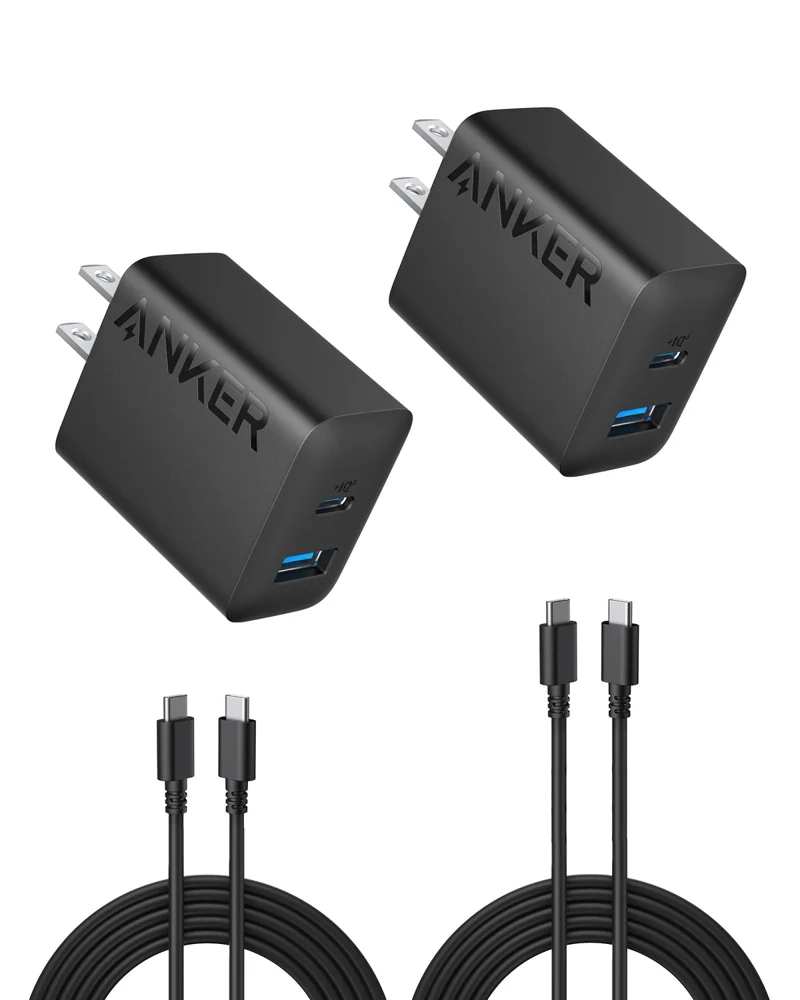
A 20W USB-C adapter is a straightforward option for a compatible phone or tablet. Apple’s 20W adapter is one example; its cable is sold separately. The Anker two-pack in our collection serves a different practical need: leaving a charger in two locations instead of carrying one back and forth.
Treat 20W as an output limit, not a promise about every phone’s charging time. The phone, charging standard, cable and operating conditions all matter. A phone that accepts a different charging protocol may not reach its fastest supported rate with this adapter. For a laptop, first consult the laptop maker rather than assuming that a fitting USB-C plug is enough.
When to consider a 65W multi-port charger
A 65W model becomes more useful when a compatible laptop joins the kit. Check the laptop’s recommended adapter wattage and required charging protocol. Apple advises matching at least the recommended minimum wattage for the best Mac charging experience; that does not establish compatibility for every other laptop.
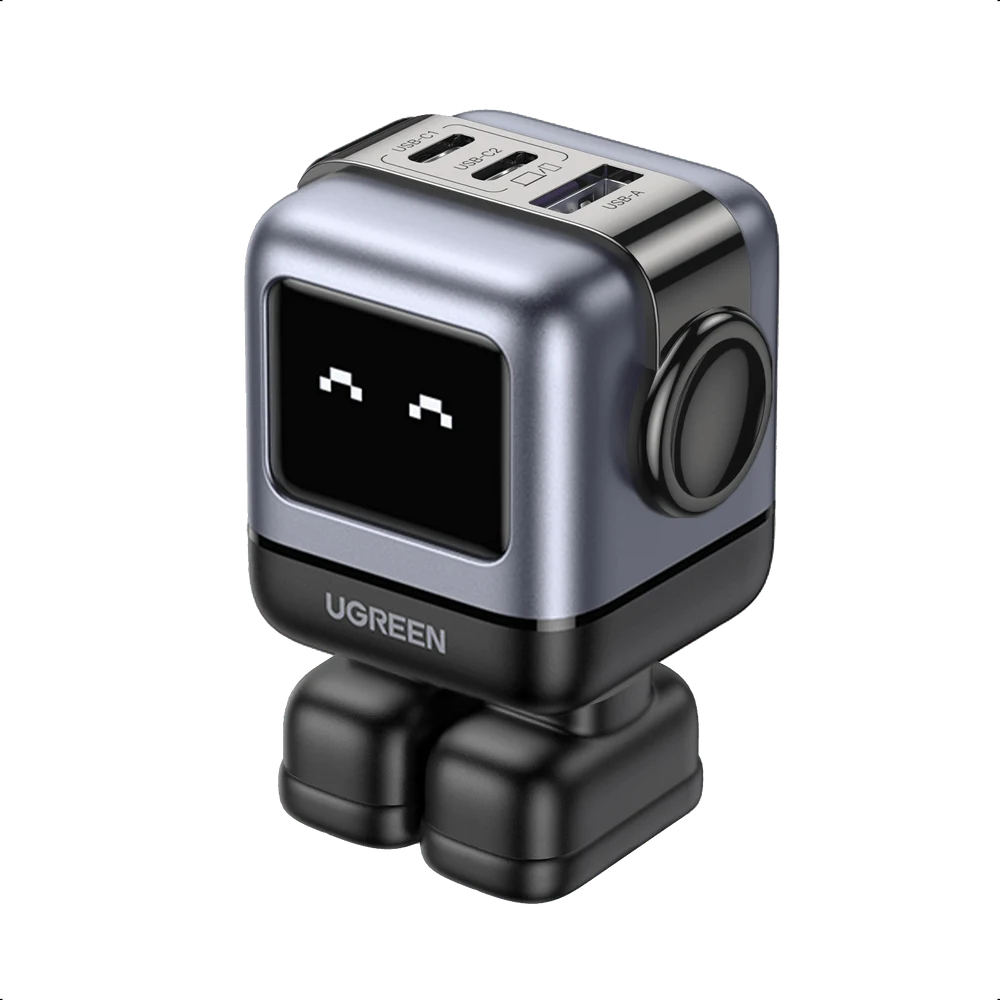
The UGREEN Uno 65W has two USB-C ports and one USB-A port. Its headline figure is the charger’s maximum total, not an allowance for every connected device. Check the manufacturer’s power-distribution diagram for the exact combination you plan to use. If a laptop needs most of that output, adding a phone can change the available allocation. A more demanding laptop may need a different charger altogether.
The cable can change the decision
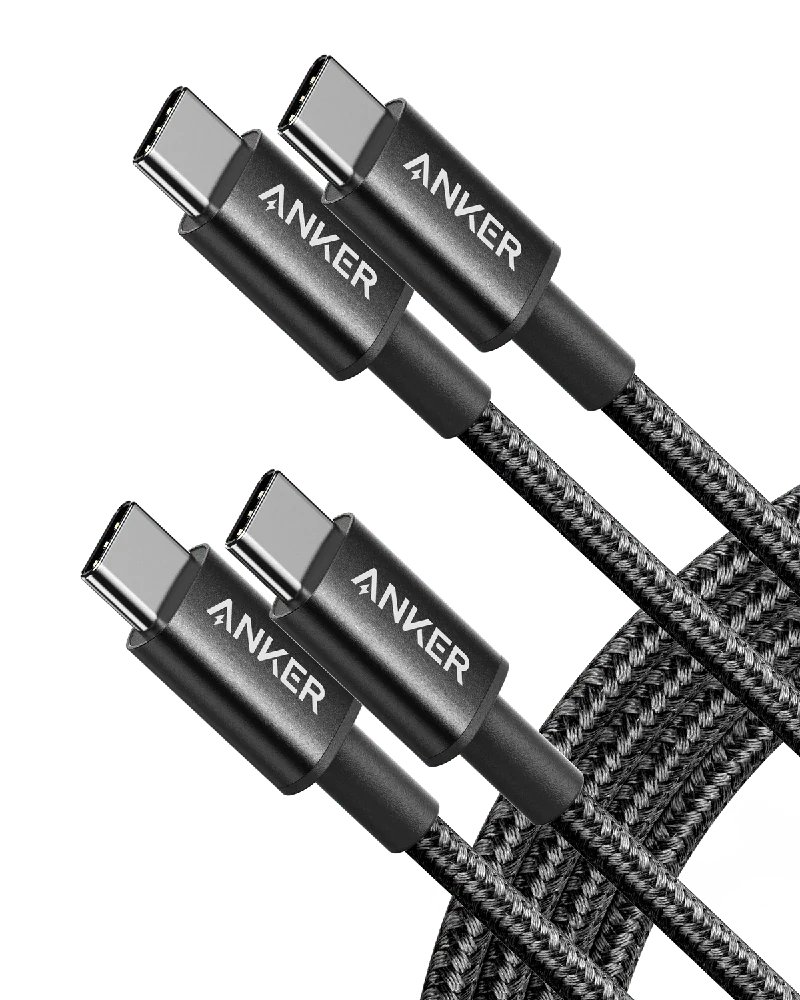
Our Anker USB-C cable pair is rated up to 60W. Pairing one with a 65W charger does not turn it into a 65W cable. Choose a cable rated for the power your device needs, and check the length and connector at both ends. For an older Lightning phone, a USB-C-to-USB-C cable is simply the wrong cable.
Also separate charging from other USB-C jobs. A charging cable’s wattage does not tell you whether it carries a monitor signal or fast external-drive data. Buy for those capabilities explicitly if you need them; do not pay for them merely because the connector looks familiar.
A short checklist before checkout
Check these details against the manufacturer’s specifications and the exact Amazon listing. The useful purchase is the one that matches your routine, not necessarily the one with the largest number on its box.
- One phone only: confirm its recommended charger standard and cable; consider a compact adapter.
- Laptop plus phone: confirm laptop power requirements, then check simultaneous port output.
- A replacement cable: match power rating, both connectors and usable length.
- A travel setup: check the plug type, input-voltage specification and whether cables are included.
Sources & further reading
Manufacturer information used for the compatibility details in this guide. Confirm the exact model and current specifications before purchase.