Start a smart home with one routine, not a drawer of incompatible gadgets
Choose a useful first routine, check the network and hub requirements, and understand which features need an account or subscription.
Choose the result before the device
Start with a sentence: “Turn the reading lamp off at bedtime,” “Tell me when this door opens,” or “Let me check the room while I am away.” Each needs a different tool. A plug switches power, a contact sensor reports whether two pieces separate, and a camera provides a view. Buying all three is unnecessary if only one solves your problem.
Write down where the device will sit, who needs to control it, and whether control must work away from home. That small list is more useful than choosing by the largest collection of compatibility badges. It also gives you a clear test when the first device arrives.
Wi-Fi, Bluetooth and Thread answer different questions
The connection method describes how a device communicates; the voice-assistant badge describes which controls may be available through a platform. Do not assume that sharing a wireless technology makes two products work together. Check the exact model in the manufacturer’s compatibility information.
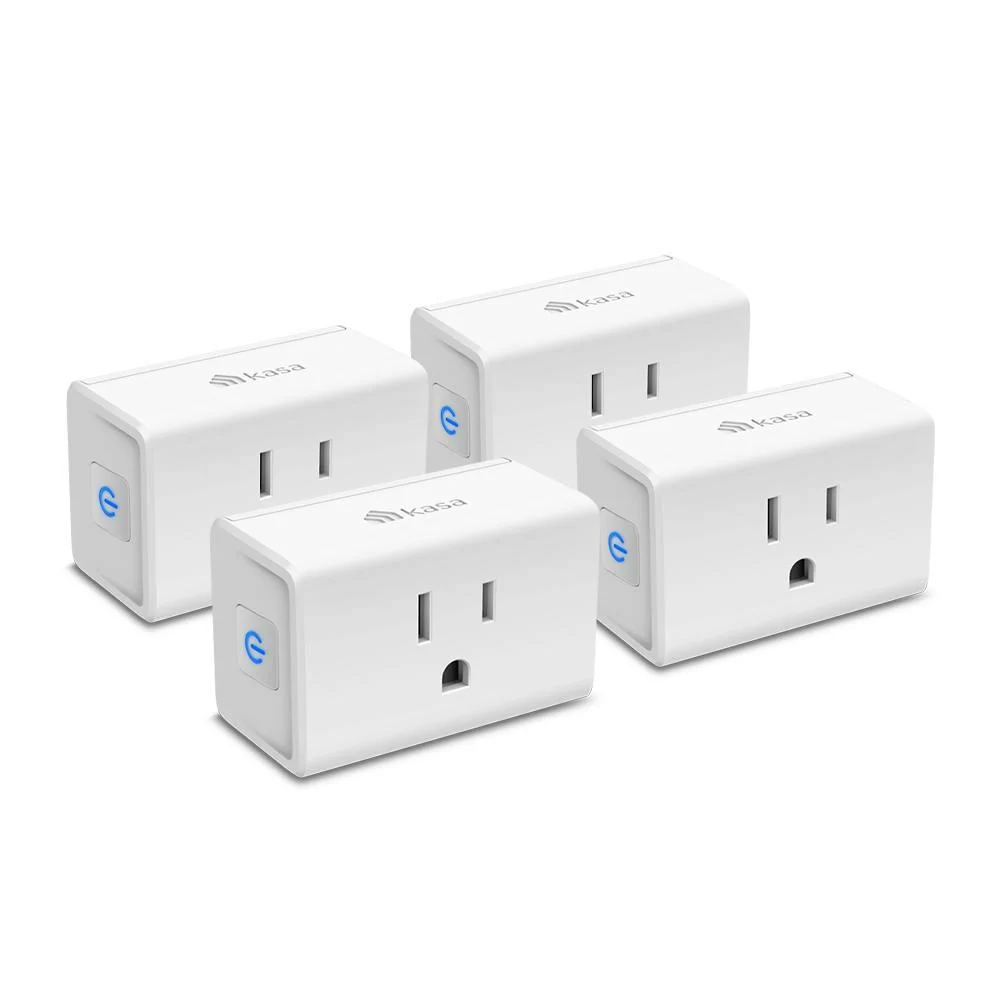
The Kasa EP10 connects to 2.4GHz Wi-Fi and supports Alexa and Google Assistant. It is a straightforward option for a suitable lamp when those requirements fit your home. Confirm that the router offers the required band at the intended outlet, rather than assuming a strong phone signal elsewhere in the room proves coverage.
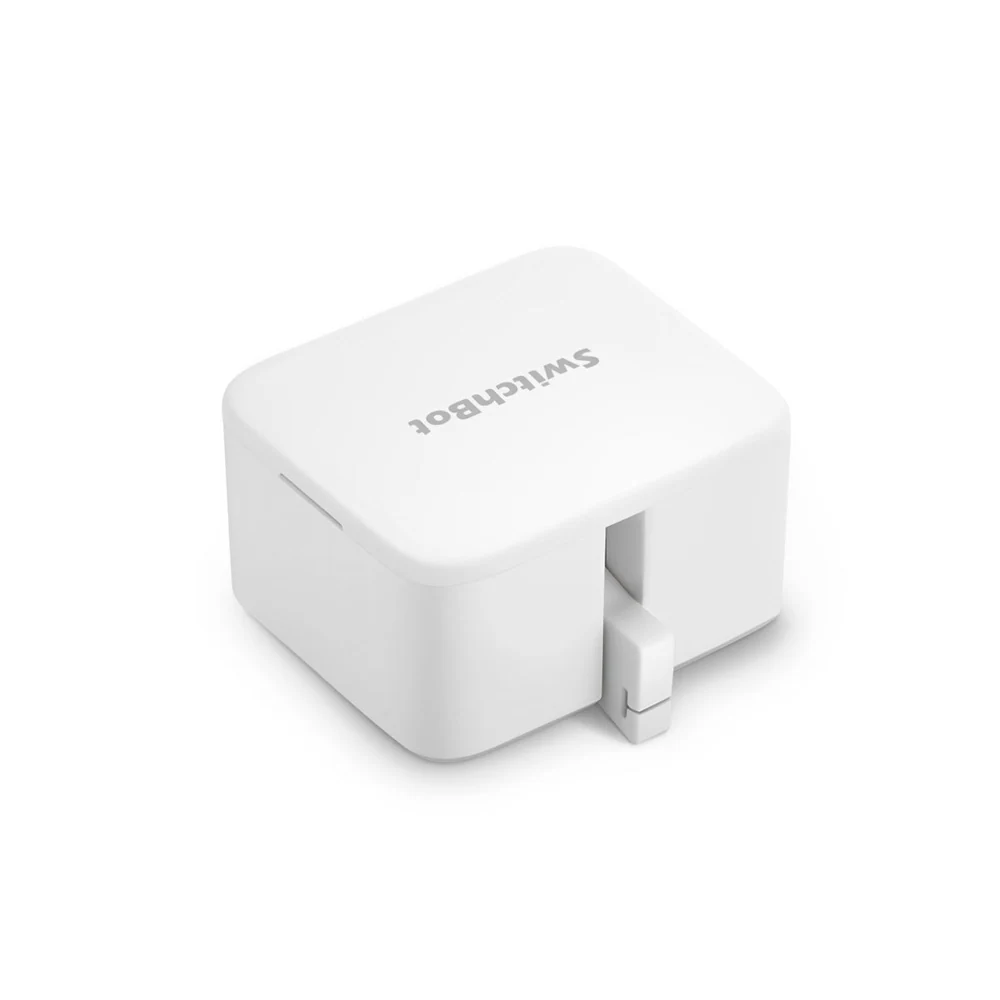
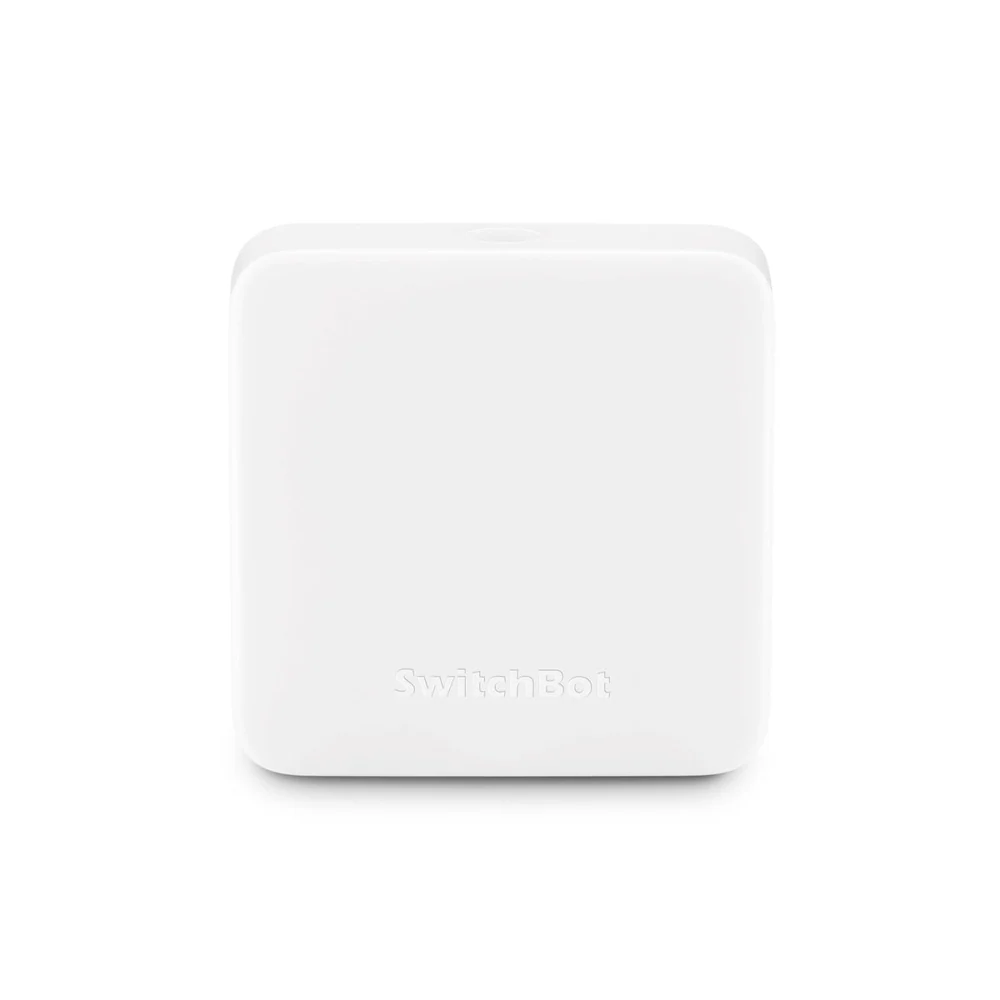
SwitchBot Bot follows a different route. It physically presses a compatible button and communicates through Bluetooth. For control away from Bluetooth range, SwitchBot specifies a compatible hub. The Hub Mini can provide that bridge, but the Bot still needs to be within its Bluetooth reach. Buy the hub for a planned remote-control need, not because every smart device automatically requires one.
Matter does not mean “nothing else required”
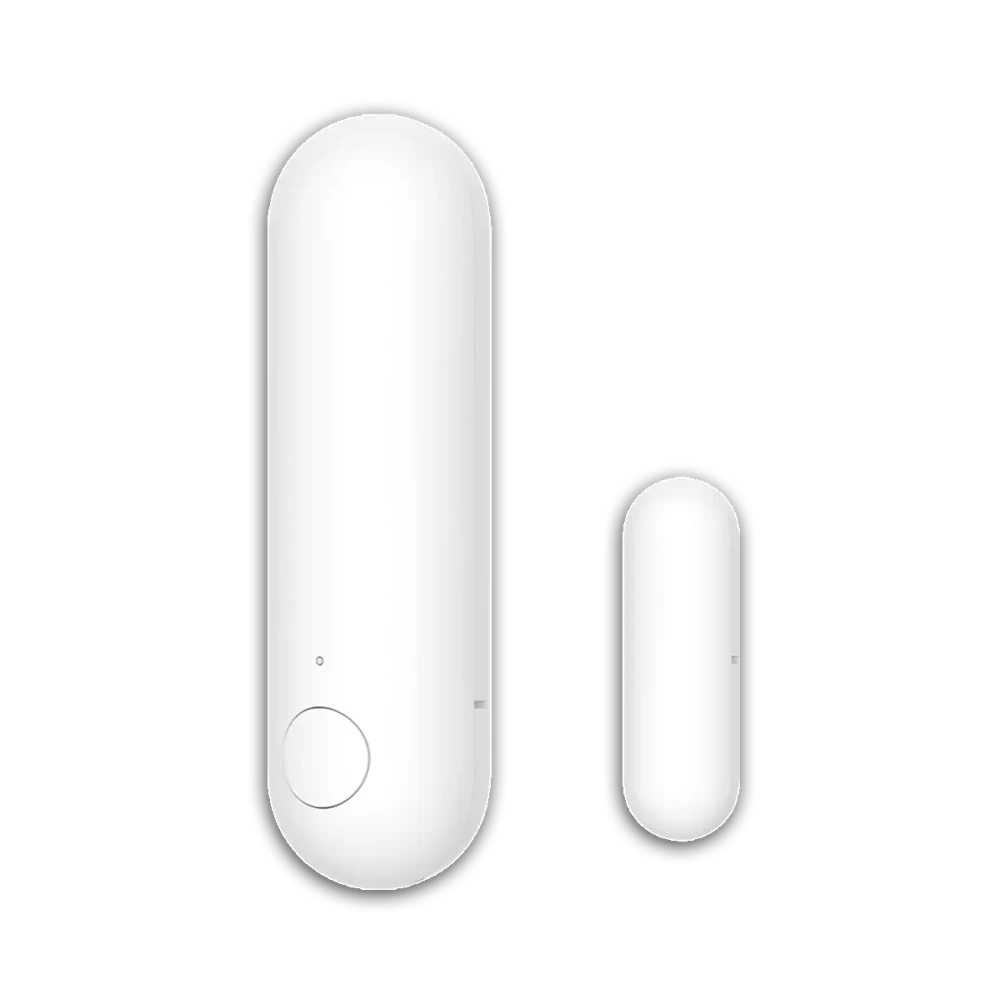
Aqara’s Door and Window Sensor P2 uses Matter over Thread. Aqara requires a compatible Matter controller and Thread border router for the chosen ecosystem. A regular Wi-Fi router is not automatically that equipment, and an ordinary Bluetooth hub is not a substitute.
If you already have the required controller and border router, the P2 may fit your existing system. If you do not, include the supporting hardware in the decision. Check the exact generation of any speaker or hub you own; a similar product name is not proof of Thread support.
Separate the purchase from the ongoing service
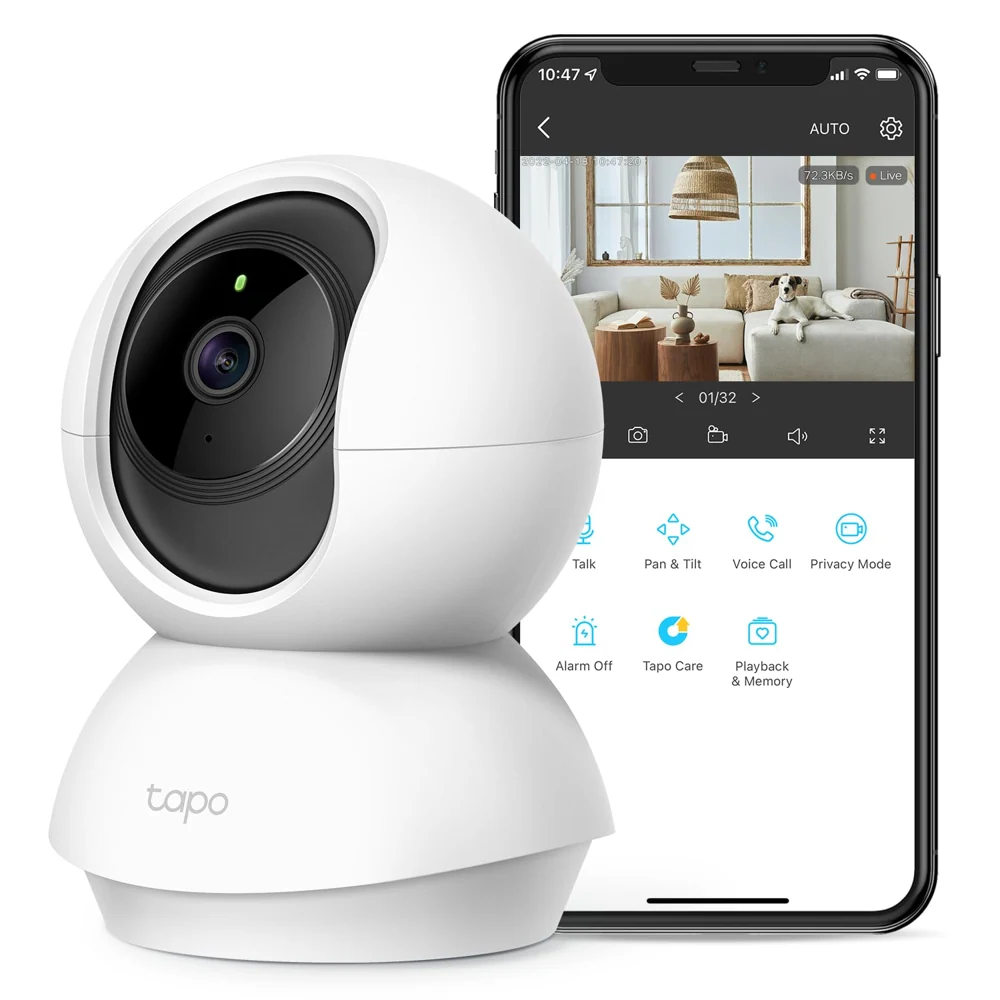
For a camera such as the Tapo C210, compare live viewing, recording storage and notifications as separate features. Read the current local-storage and cloud-plan details for the exact version you are buying. Decide whether you need recordings after an event or only an occasional live view; that changes the useful setup and possible ongoing cost.
For plugs, check outlet shape, local voltage and the connected appliance’s requirements. The US EP10 specification is not a universal travel specification. A local Amazon store may sell a different regional version, so check the actual listing instead of relying on a photograph alone.
A sensible first purchase
Choose one routine and buy its smallest complete setup. Use it manually, try the schedule or notification, and check that everyone in the household can operate it. Expand only after you know what would make that routine better. A working lamp schedule is a better starting point than several unopened products that need different hubs.
Sources & further reading
Manufacturer information used for the compatibility details in this guide. Confirm the exact model and current specifications before purchase.