 Computer & desk
Syntech
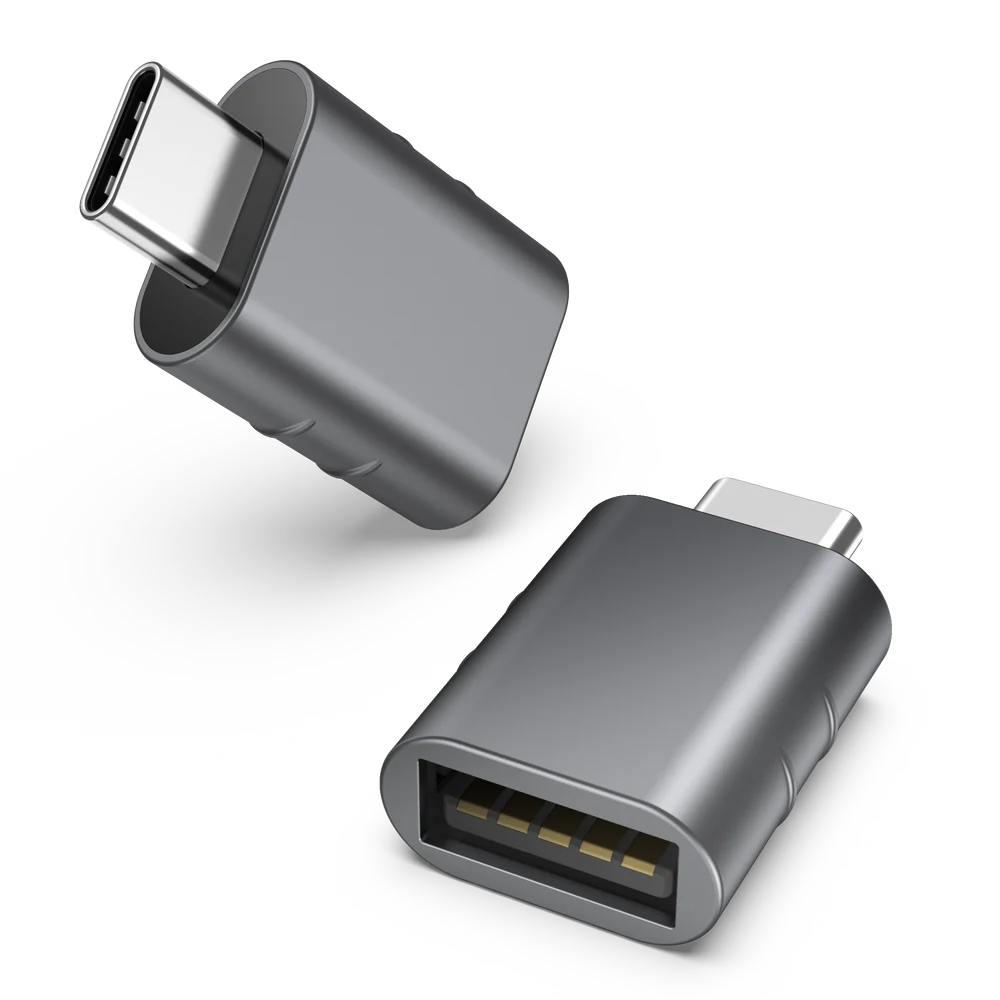
USB-C to USB-A Adapters · 2-Pack
Small adapters for connecting USB-A accessories to compatible USB-C ports.
Details & buying notes View on Amazon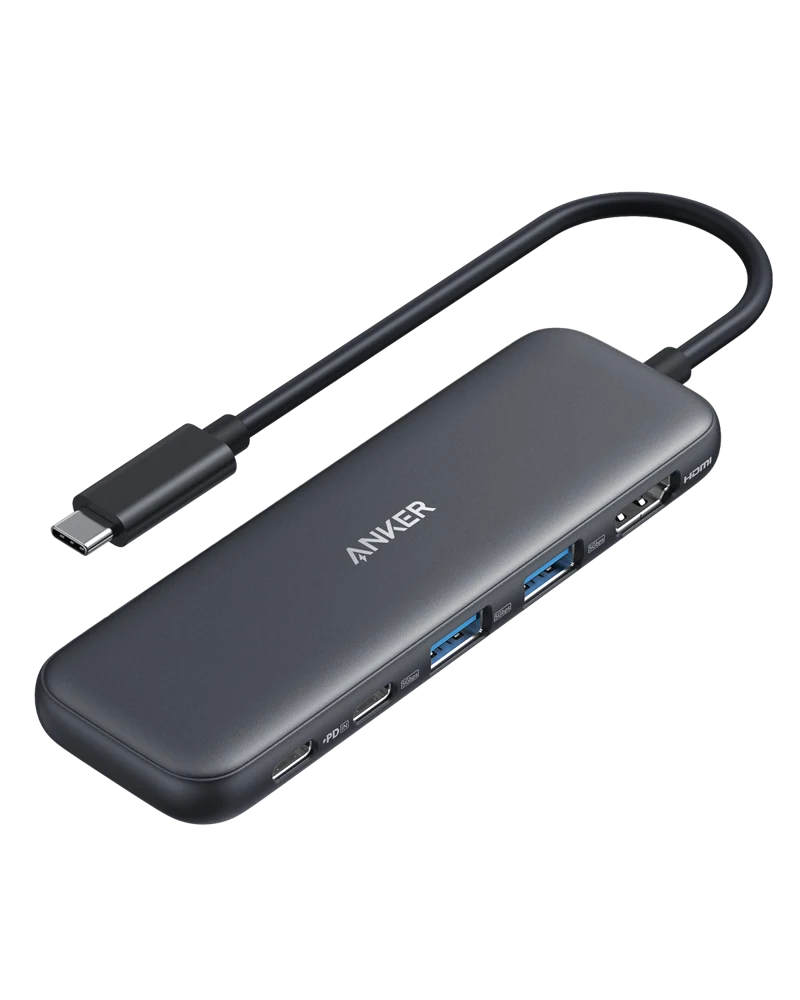
Image: Anker
A compact USB-C hub that brings HDMI and USB data connections to a compatible laptop.
Connecting a display and everyday peripherals.
Your laptop’s USB-C port must support video for HDMI. Check refresh-rate limits and power pass-through requirements.
As an Amazon Associate I earn from qualifying purchases. Purchase, delivery and returns are handled by Amazon and the listed seller.
Identify the weak point in your desk setup before replacing equipment. Count available ports and check your operating system.
Check the differences in connection, size and intended use before choosing.
Computer & deskSmall adapters for connecting USB-A accessories to compatible USB-C ports.
Details & buying notes View on Amazon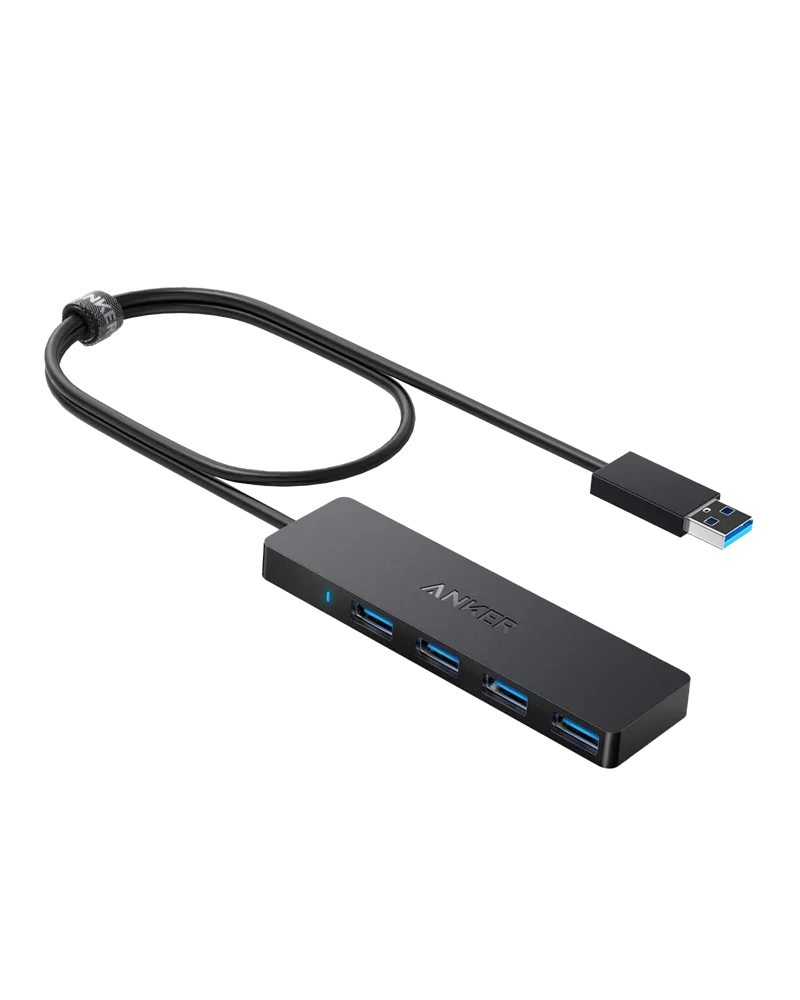 Computer & desk
A four-port USB 3.0 data hub with a two-foot USB-A cable.
Details & buying notes View on Amazon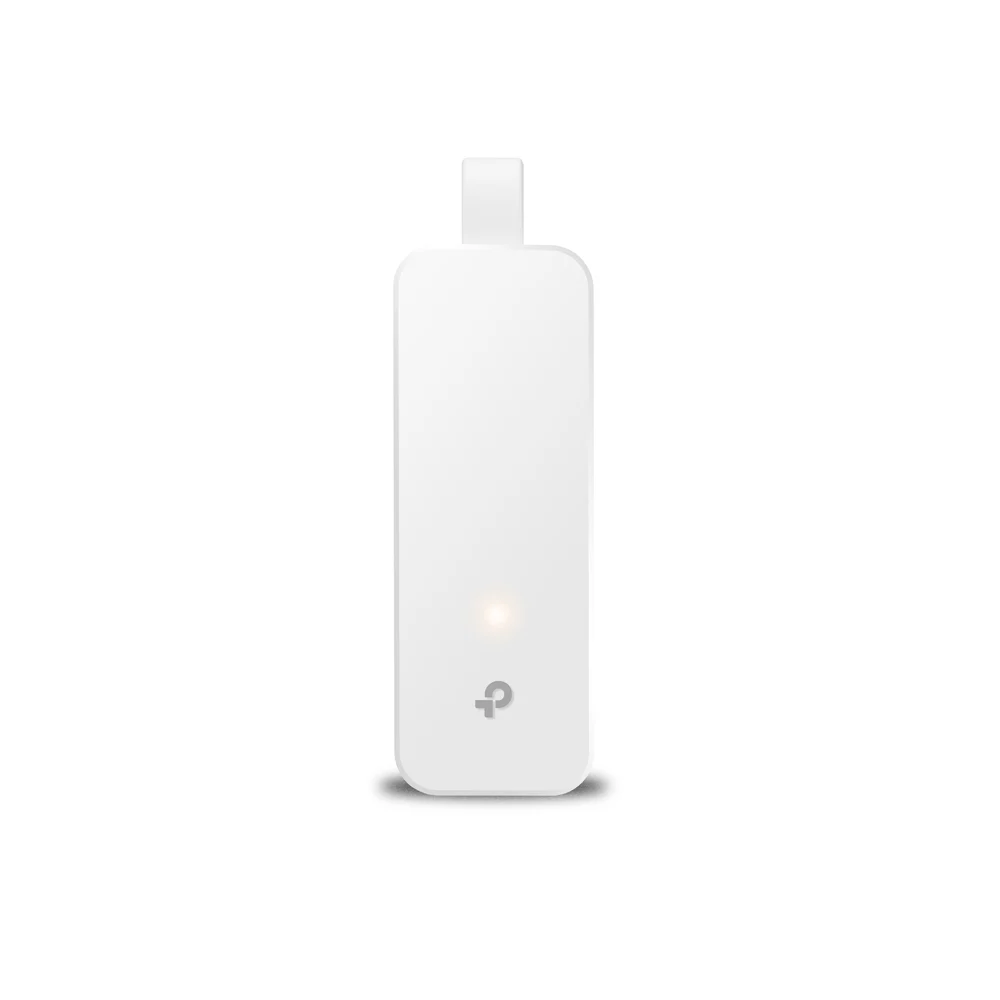 Computer & desk
A foldable USB 3.0 adapter that adds a wired Gigabit Ethernet port.
Details & buying notes View on Amazon